
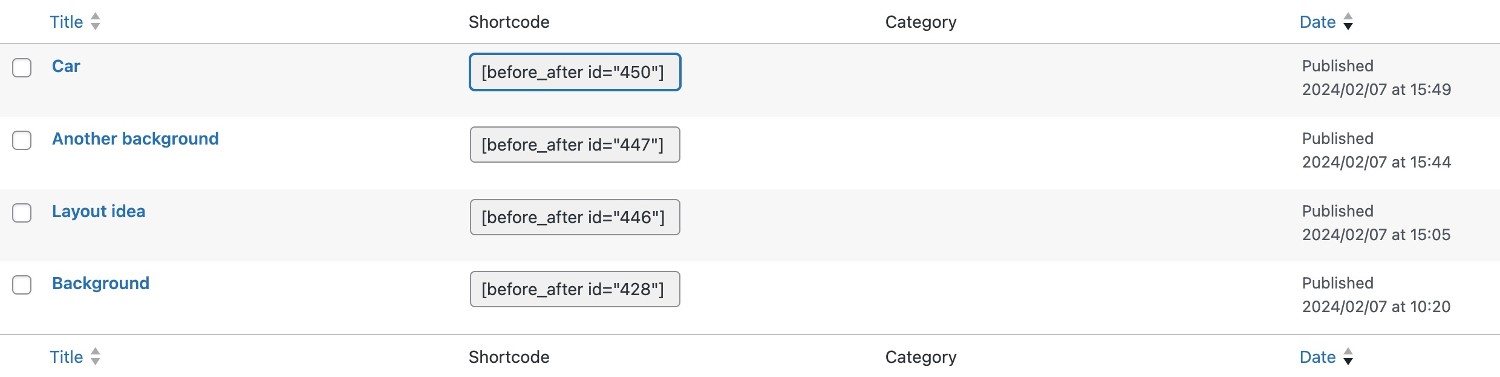
Once you’ve created and saved the before/after slider, simply copy the generated shortcode and paste it into the layout of your choice.
| Comparison slider | |
| Before | Select a before image* |
| After | Select an after image* |
| Label (before) | The text which appears when hovering over the image |
| Label (after) | The text which appears when hovering over the image |
| Text before the slider | Text to appear above the slider |
| Text after the slider | Text to appear under the slider |
| *both before and after images should be the same size | |
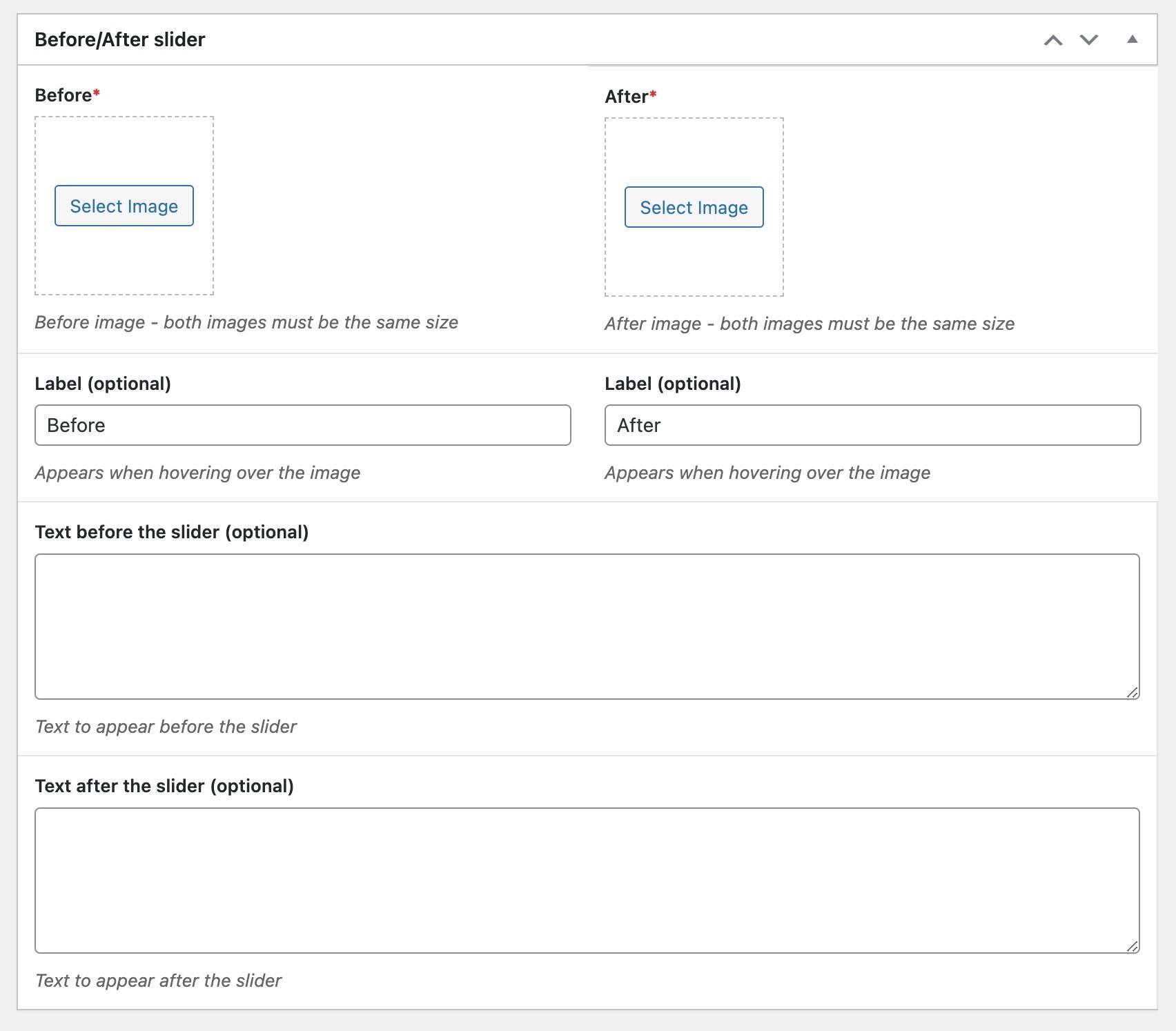
Then save the before/after slider and copy the generated shortcode into whichever row you wish to display it in.
A flexible, robust boilerplate WordPress theme, ready for customisation. Contact us for a free online demo or email info@fluidal.net
© 2026 Fluidal - the only limit is your imagination!